Upload your image
A poster, menu, banner, social post or product photo, from your phone or computer.
Fix a price, a date or a word on a poster, menu or banner. The new text matches the original lettering, so it looks untouched.
Every example below was edited with this app. Drag the slider to compare.
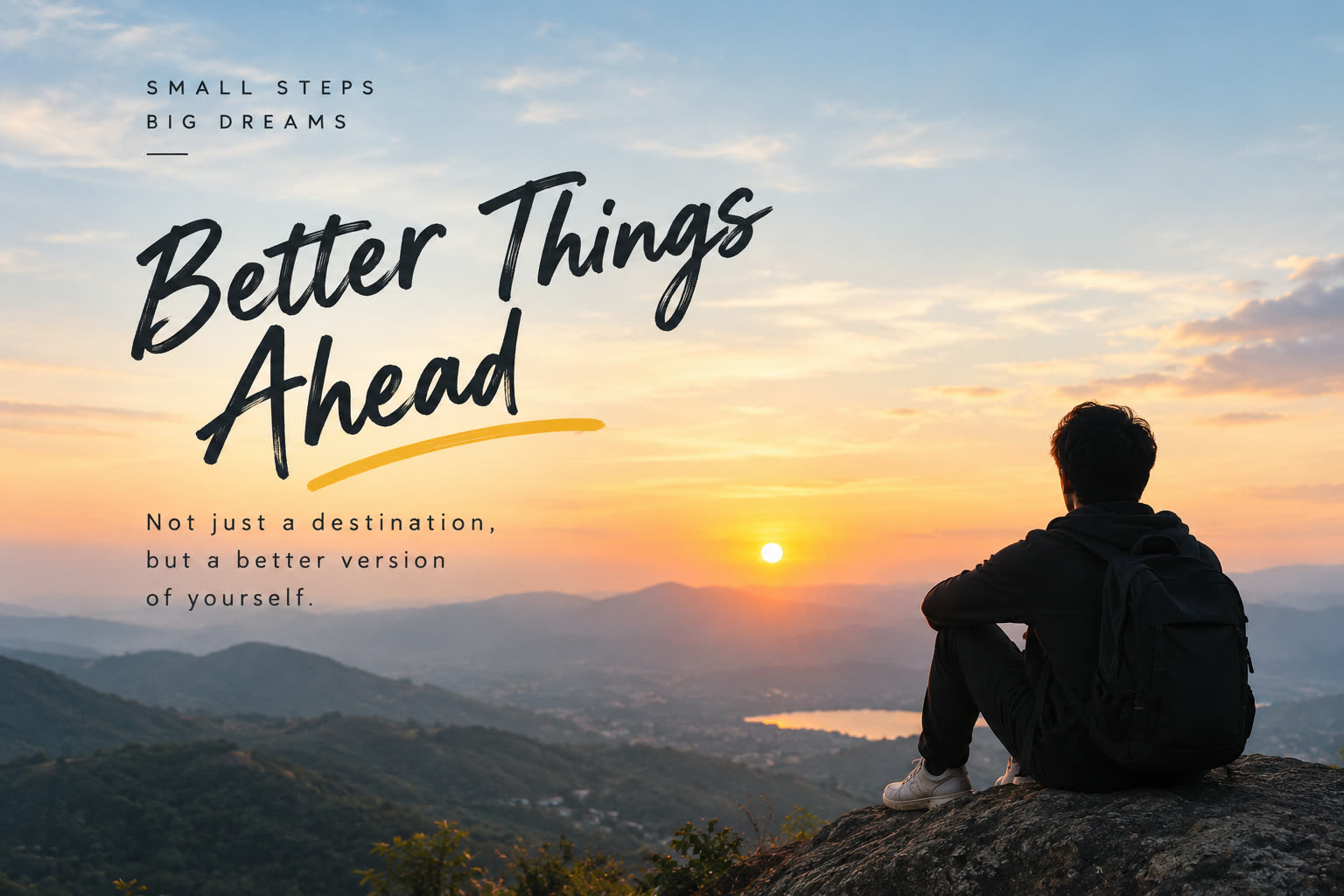
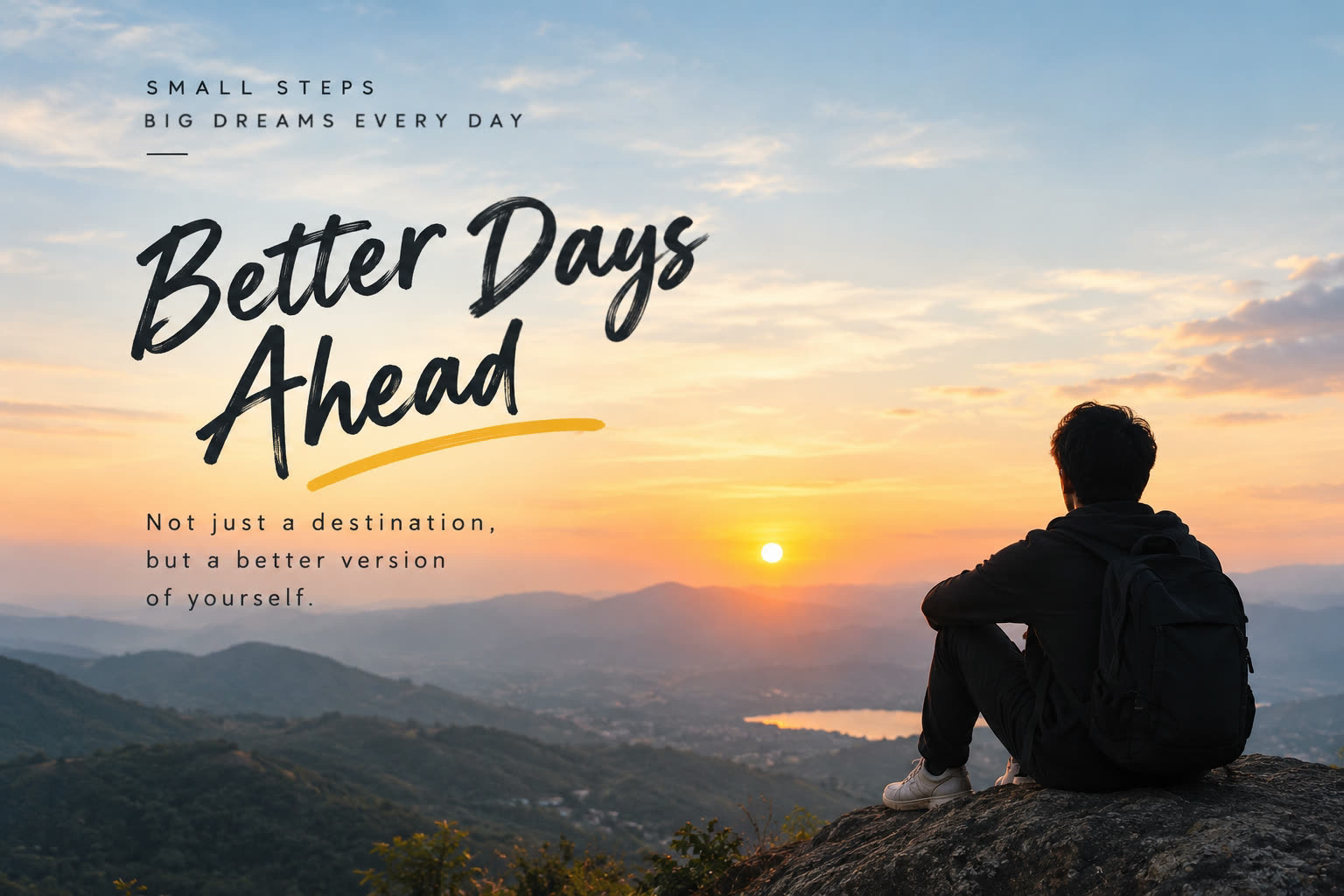
Changed: “Things” → “Days” in brush lettering, and “BIG DREAMS” → “BIG DREAMS EVERY DAY”
A poster, menu, banner, social post or product photo, from your phone or computer.
Every line is found for you, even brush, script and Hindi lettering. Click one and type.
The new words match the original font and colour. Save as PNG or PDF.
Update offers, prices and phone numbers on posters and shop boards without a designer.
Change dishes and prices on your menu photo in a minute.
Reuse one design for every post: swap the date, the headline or the name.
Turn last season’s banner into this week’s offer: 30% becomes 50%.
Translate a design between Hindi and English in a matching style.
Correct a spelling mistake in a finished image when the source file is lost.
Brush, script, tilted, spaced-out capitals, coloured text, Hindi and English.
Font, weight, size, colour, letter spacing and slant are measured from your image.
For a pixel-perfect result, AI redraws the words in the original lettering.
Results that are cut off, empty or the wrong colour are rejected, and you get the credit back.
Rectangle, circle, rounded, polygon or freehand, with ratios like 1:1, 4:5 and 16:9.
Images are processed for your edit only and never stored on our servers.
Detecting, editing, cropping and downloading are free. Buy credits when you want a pixel-perfect AI result: one credit per edit.
Prices in INR. Secure payment by Cashfree: UPI, cards, net banking and wallets.
Yes. Detecting text, normal edits, cropping and PNG/PDF downloads are free, with no account. Only AI exact-match edits use credits.
One credit pays for one AI exact-match edit of one text box.
Each result is checked before it is used. If the text ends up outside its box, missing or in the wrong colour, it is not applied and your credit is returned (up to 5 times a day). You can then try again.
No. Credits stay in your account until you use them.
No. Your image is edited in your browser. Only the AI features send a copy to our AI provider (OpenAI): the area around the text for an AI edit, or a smaller copy of the whole image for the AI text finder. Nothing is saved on our servers.
English and Hindi (Devanagari), including lines that mix both. The AI text finder also reads decorative and handwritten lettering.
No. Editing identity documents, certificates, marksheets, invoices, bank statements or any official record is not allowed and is against our terms.
Through Cashfree: UPI, debit and credit cards, net banking and wallets. Credits are added as soon as the payment is confirmed.
Open the editor and try it on your own image. No account needed.
Edit an image free